
eKYC for banks and secure remote customer onboarding
Open accounts remotely with one configurable workflow for document verification, liveness, face matching and AML screening. Deploy in the cloud or inside the bank perimeter.


Banks shouldn't have to choose between security, compliance and conversion
Remote account opening has to work for genuine customers — and shut the door on those arriving with forged or leaked passports, front people (money mules) and synthetic identities. Otherwise fraud losses, staff workload and regulatory risk all grow.
A check that's too strict sends customers back to branches. One that's too weak invites fraud and regulator questions. The bank's task is to make the check invisible to a genuine customer and impossible for an attacker.
 FRAUD
FRAUD MULEDEEPFAKE
 LIVE
LIVEFrom the customer’s consent to a decision the bank can explain
One session, seven steps. Every step returns a result that stays with the session, so a decision can be reconstructed months later.
- 01Consent to data processing
- 02Document capture
- 03Liveness check
- 04Face match with the document
- 05AML screening
- 06Decision by your rules
- 07Audit trail
The order and the set of checks are assembled per scenario in the Flow builder: the bank sets the thresholds and decides what happens on a borderline result — a retry, a manual review or a rejection.
Fraud protection, compliance and a smooth customer journey — in one scenario
Instead of a patchwork of separate services, the bank gets a single verification scenario. It protects against fraud, supports KYC/AML requirements and doesn't force customers through extra steps.
Don't lose the customer at the very first step
The customer gives consent, follows a short guide, completes a liveness check and scans their document. No branch visit is needed: the journey stays clear and takes minutes. The bank applies the same rules across the app, branches and kiosks — tuned to its own risk profile.
 Selfie — liveness check
Stop fraud before an account is opened
The system confirms a live person is in front of the camera — not a photo, video, mask or deepfake. For account opening the bank can choose DISTANCE or PRO; for repeat sign-in and lower-risk operations, the faster FAST mode fits better. You set the threshold and the rules yourself: when to route an application to compliance and when to auto-reject.
Run KYC and AML without a stack of separate services
The system reads a passport or ID, matches the face against the document photo and simultaneously screens the data against sanctions and other lists: OFAC, EU, UK, Dow Jones, plus national registries. This lets you run KYC/AML checks in a single process and act on a match immediately.
 Selfie
 DocumentSession · bank_onboardingComplete
Get a decision you can verify and explain
The bank receives a single result: whether identity was confirmed, liveness passed, the document was read, the face matched and whether there are AML risks. The session stores photos, the liveness check video, document fields, an event log and webhooks. That gives staff a transparent decision history and lets them reject suspicious applications without a manual branch review.
Which modules each banking scenario needs
| Scenario | Modules in the flow | What the bank gets |
|---|---|---|
| Account opening | Document verification · liveness · face match · AML screening | A verified customer and a decision record for the file |
| Loan application | Document verification · liveness · face match · AML screening | Identity confirmed before the credit decision, not after it |
| Card issuance for an existing customer | Liveness · face match against the saved template | No repeat document scan for a customer already verified |
| Account recovery | Liveness · face match against the saved template | A recovery path that a stolen phone alone does not open |
| Periodic re-verification | Liveness · face match · repeat AML screening | Refreshed customer data without a branch visit |
One KYC — less friction across the bank's whole ecosystem
After a successful identification, a customer doesn't need to scan documents again when applying for a card, a loan or an investment product — confirming identity by face is enough. That shortens the path to the next product and helps keep the customer inside the bank's ecosystem. With an On-Premise deployment, biometric data stays inside your perimeter.
 Identity confirmedFace confirmation is available across every service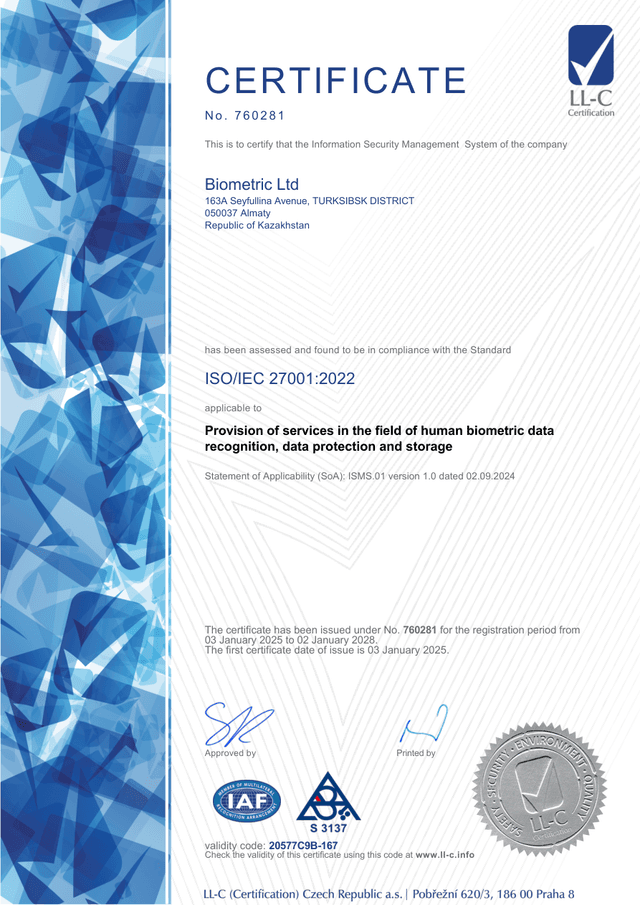
Where the data is processed and what the bank can show later
- Deployment
- Cloud, or On-Premise inside the bank perimeter.
- Where processing happens
- With On-Premise the core runs on the bank’s servers and biometric data does not leave the perimeter.
- What a session holds
- Photos, the liveness result, document data and the module verdicts, tied to one session id.
- Audit trail
- Session events — created, liveness, face match, AML, closed — are readable in the dashboard and can be delivered to your systems through webhooks.
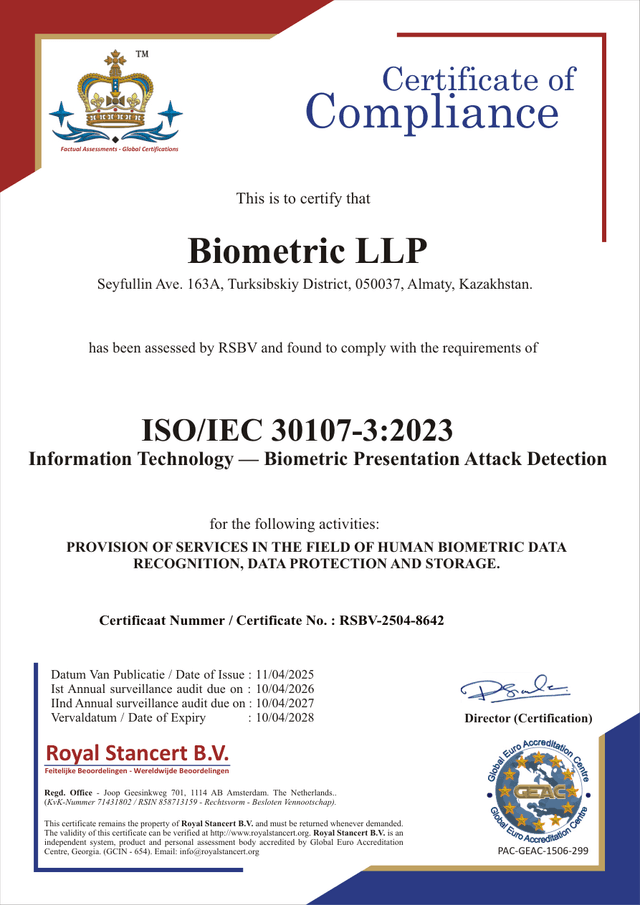
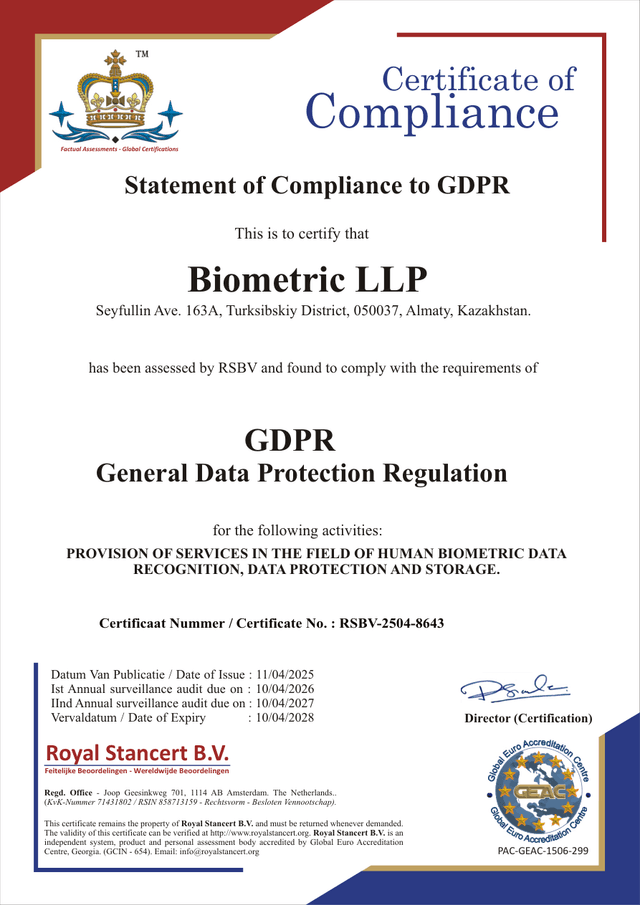
These are controls, not a compliance guarantee: which of them satisfy a given requirement depends on the jurisdiction and on the bank’s own procedures. Retention periods and deletion rules are set for each deployment — agree them before launch.
Classic integration for developers
If your team prefers assembling the architecture by hand, use our ready-made SDKs and APIs.
Web SDK / Flow Widget
A ready-made JS camera widget for your website or embedded mobile webview. Fully customizable design to match your brand.
Mobile SDK
Native libraries for mobile apps. Deep access to the smartphone camera and biometric micro-packet transfer even on weak 3G connections.
REST API
Direct access to secure liveness-check endpoints for building your own server-side logic. Authorization via a private X-API-KEY.
MCP server for AI agents
AI agents connect to verification directly — with no code. Compatible with Claude, GPT and any MCP client.
Documentation: assembling a flow · webhooks and events · REST API reference
Questions and answers
Protect the bank's digital growth — with no extra friction for customers
Create a developer account and build an account-opening verification scenario. See how a single platform helps protect onboarding, run KYC/AML and keep the customer journey smooth. The first 500 checks of one module a month are free for a year, no bank card required.
Numbers and facts
- 433+
- Document types —Support for passports and hundreds of other document types worldwide
- 180+
- Countries supported —Global coverage for verification across different jurisdictions
- 40 sec
- Onboarding time —Registration and verification in under a minute
- 99%
- Technology accuracy —High-precision AI-based recognition and document verification