
The loan goes to the person named on it
Passport data can be genuine while the person behind the screen is not. In one session Biometric.Vision checks the document, that a live person is in front of the camera, and that their face matches the photo. The client only needs a smartphone to complete the full check in seconds.
Before disbursement, the risk team sees whether the applicant on camera matches the document owner.


The data is real. The borrower is not
The application looks clean. The passport passes checks, scoring sees no reason to decline, the money is sent. Later the document owner calls and says they never applied.
Field validation will not stop that application: the fraudster used real data. What was missing is proof that the passport owner was the person in front of the camera.
An unsecured loan has no collateral to recover losses. On top of the payout come dispute handling, manual history review, and questions about how identity was established.


A real client gets through. Stolen data does not help
A document and one selfie in the application flow: an honest client passes from a smartphone, while a loan on a leaked passport or a face spoof cannot be issued.
The client fixes the frame before submit
Hints help capture the document and selfie, and image quality is checked immediately. If glare or blur gets in the way, the client retakes the shot themselves — with no office visit.

A live document owner in front of the camera
Passport data alone is not enough. The client takes one selfie — no head turns or complex prompts. Passive liveness blocks photos, screen replay, masks and deepfakes; the face is matched to the document. Even with a victim’s full data, a fraudster will not pass.
 Photo
Photo Video
Video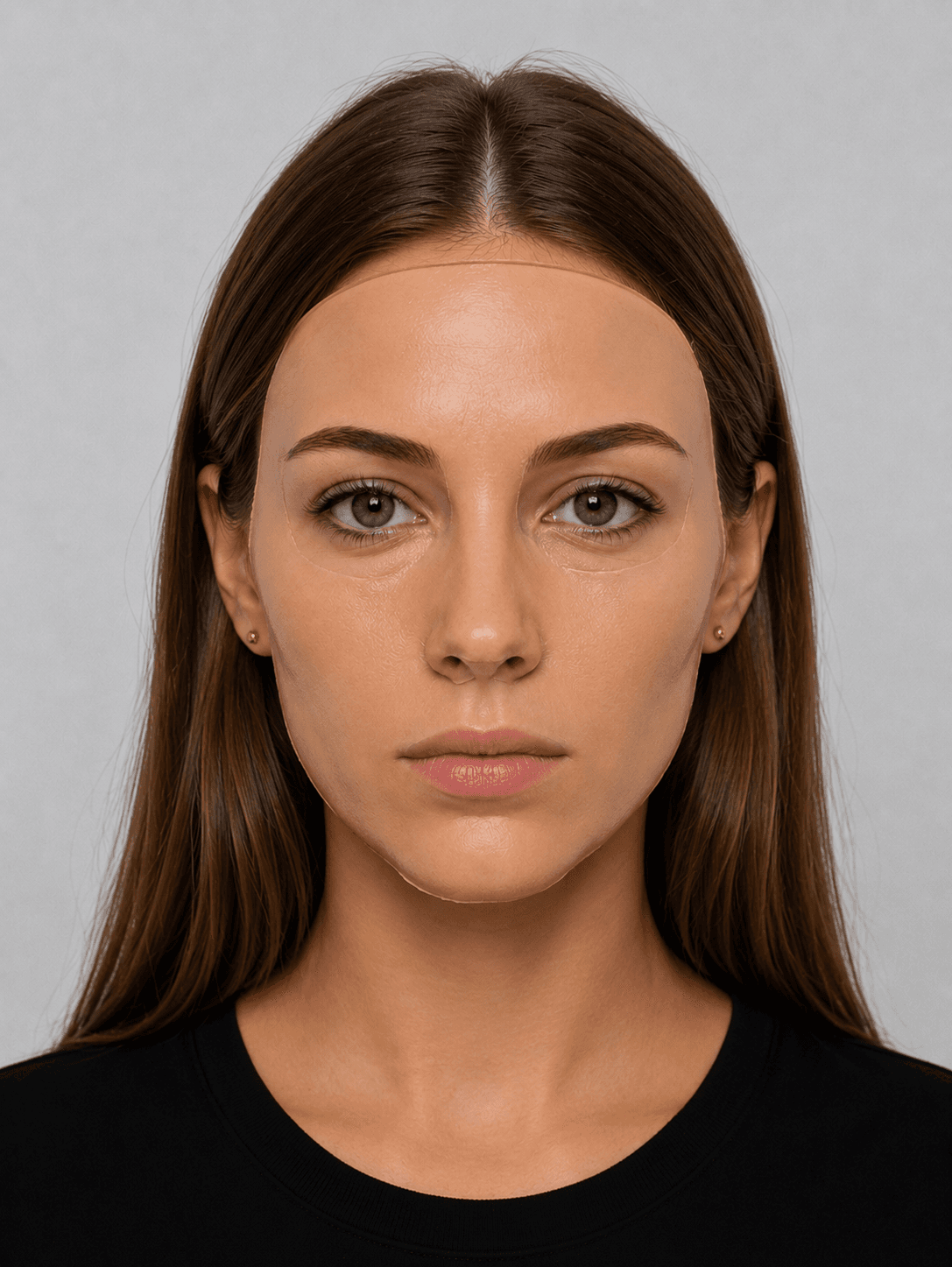 Masks
Masks Deepfakes
One face — one borrower
Someone changes the name on the form, substitutes another document, or comes back after a decline. To a regular check these look like new applications. Face search shows the applicant has already appeared.
Duplicates and repeat applications
The system matches the face against your application base. The risk team can spot duplicates, a series of applications under different data, or a new attempt by a previously declined client — before disbursement. Similarity threshold and manual-review rules are set by the lender.

Repeat lending — shorter
A returning client does not have to repeat the full first-time path. On the next application their face is matched to the stored template — the path to a repeat loan is shorter, and identity control stays.
How identity was proven is in the audit log
Every check is recorded: which document was reviewed, how liveness and face match went, when the result arrived, and how the session ended. If a disbursement is questioned, the risk team answers from the record, not from an employee’s memory.
Sanctions lists, watchlists and PEPs can be checked in the same request — no separate integration path.
Classic integration for developers
If your team is used to assembling the architecture by hand — use our ready SDKs and API.
Web SDK / Flow Widget
A ready JS camera widget for your site or embedded mobile browser (WebView). Fully themeable to your brand.
Mobile SDK
Native libraries for mobile apps. Deep camera access and biometric micropackets even on weak 3G.
REST API
Direct access to protected verification endpoints for your own server logic. Auth via private X-API-KEY.
MCP server for AI agents
AI agents connect to verification directly — without writing glue code. Works with Claude, GPT and any MCP client.
What risk teams usually ask
Lend to real borrowers
Run the check on real scenarios: someone else’s document, poor light, a repeat application, a face spoof. See how the result plugs into your scoring and what stays in the log.
Numbers and facts
- 433+
- Document types —Support for passports and hundreds of other document types worldwide
- 180+
- Supported countries —Global coverage for verification across jurisdictions
- 40 sec
- Onboarding time —Register and verify a user in under a minute
- 99%
- Technology accuracy —High-precision AI-based document recognition and verification